STEP 1 OF 3
Install EdgeSpark in your agent.
Add EdgeSpark to your coding agent in seconds.
For Product Managers
Launch a real link with login, data, storage, and a checkout-backed workspace so stakeholders can test the product, not a localhost demo.
STEP 1 OF 3
Add EdgeSpark to your coding agent in seconds.
STEP 2 OF 3
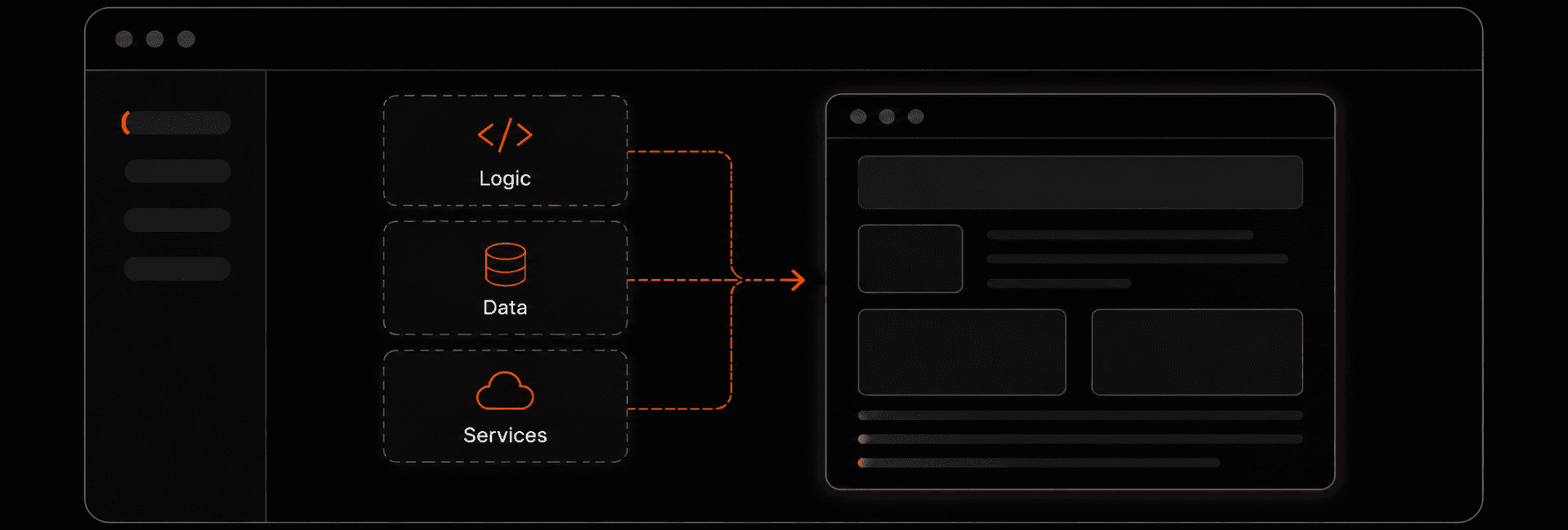
Use your agent to build the app or product you want.
STEP 3 OF 3
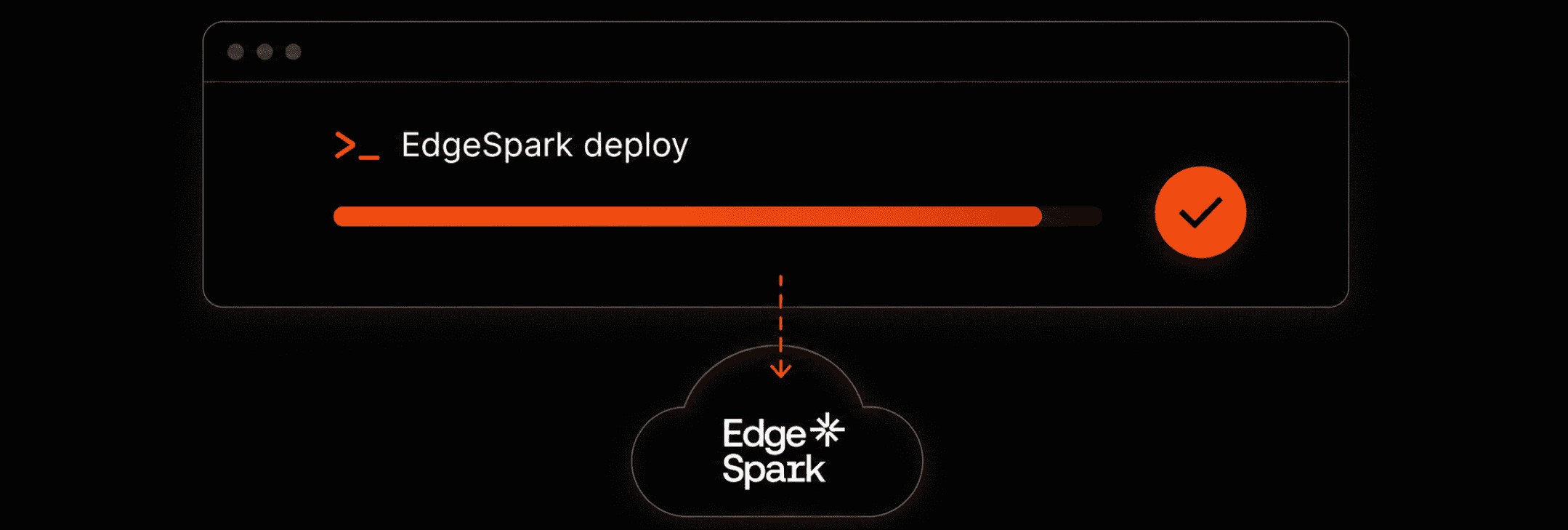
Use EdgeSpark in your agent to ship your app live.
STEP 1 OF 3
Add EdgeSpark to your coding agent in seconds.
For Product Managers
Launch a real link with login, data, storage, and a checkout-backed workspace so stakeholders can test the product, not a localhost demo.
STEP 1 OF 3
Add EdgeSpark to your coding agent in seconds.
STEP 2 OF 3
Use your agent to build the app or product you want.
STEP 3 OF 3
Use EdgeSpark in your agent to ship your app live.
STEP 1 OF 3
Add EdgeSpark to your coding agent in seconds.
Works with

 Codex
Codex


PM showcase
Preview a deployed MVP, then open the full live product in a new tab.
Case 01
A live MVP with a real public URL for product validation.
https://rocky.savemoss.com
Launch plan
Sign in, choose a paid workspace, and unlock the live URL your agent deploys into. Free tier is available later from the dashboard.
Pro
Starter

After checkout
EdgeSpark gives paid users one clear path: paste one command into your agent and ship the first live app.
Quick setup
Paste this into any AI coding agent to install EdgeSpark in one step.
Then follow the agent's instructions.
When a user action is needed, the agent will tell you exactly what to do.